
39 lines
1.9 KiB
Markdown
39 lines
1.9 KiB
Markdown
# Pi-Hosted Portainer Template V2
|
|
|
|
[](https://discord.com/invite/v8dAnFV) [](https://www.youtube.com/channel/UCrjKdwxaQMSV_NDywgKXVmw) [](https://twitter.com/novaspirittech)
|
|
|
|
This git is a collection of tutorials for docker / portainer made using raspberry pi / arm also hosting a ARM based App Template for [Portainer.io](https://github.com/portainer/portainer)
|
|
|
|
install_docker.sh -> this script will install docker and add user pi to the docker group
|
|
|
|
install_portainer.sh -> this script will install portainer
|
|
|
|
### App Template for Portainer.io
|
|

|
|
|
|
#### Versions
|
|
| Application | URL |
|
|
| ------------- | ------------- |
|
|
| Portainer v2 | https://raw.githubusercontent.com/novaspirit/pi-hosted/main/pi-hosted_template/template/portainer-v2.json |
|
|
|
|
#### Installing
|
|
|
|
1. Login to the Web-UI for the corresponding project.
|
|
2. Navigate to the area where you add a template (in portainer you'll need to enable external templates)
|
|
3. Add the template URL corresponding to the application you're using in the table above.
|
|
|
|
|
|
### Pi-hosted Youtube series
|
|
|
|
Youtube Playlist
|
|
|
|
[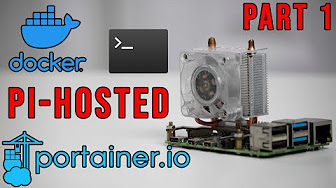](https://www.youtube.com/watch?v=cO2-gQ09Jj0&list=PL846hFPMqg3jwkxcScD1xw2bKXrJVvarc)
|
|
|
|
### Contributors
|
|
|
|
See List of [contributors](https://github.com/novaspirit/pi-hosted/graphs/contributors) who participated in this project.
|
|
|
|
### Acknowledgment
|
|
* based template on [SelfHosted](https://github.com/SelfhostedPro/selfhosted_templates) Portainer App Template
|
|
|